The grower survey
Going back to change an answer
Correct an earlier answer before the survey is submitted — and what happens once it is.
Where to find it
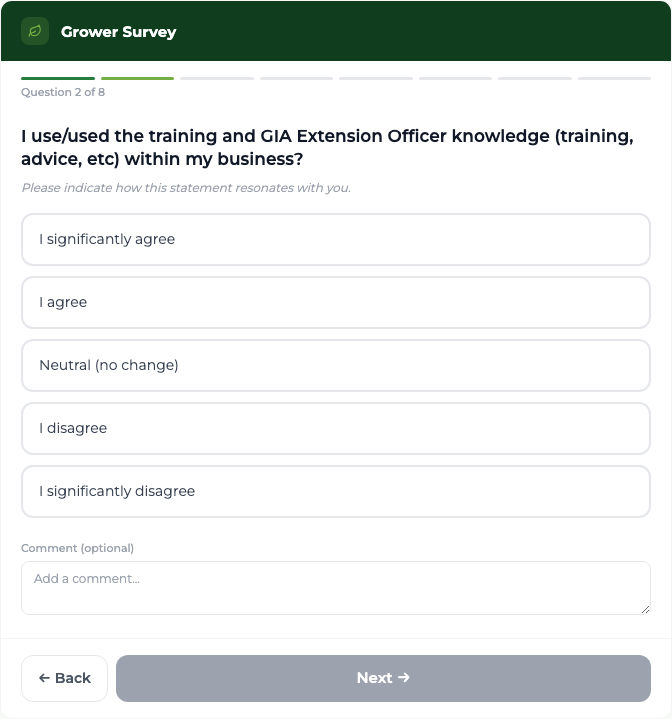
Grower Survey Back
Steps
- 1 From question 2 onwards, select Back to return to the previous question.
- 2 Change the answer, or edit its comment. Everything already answered is remembered.
- 3 Select Next to move forward again, then Submit Survey on question 8.
What you'll see
The grower can review and change anything they like right up until they submit. Nothing is recorded until Submit Survey is selected.
Important
Once submitted, a survey cannot be reopened or edited. Opening that visit's survey again just shows the thank-you screen. There is one survey per visit, and it is final.
Good to know
If a grower wants to change an answer after submitting, tell your administrator — the response cannot be edited in the portal.