Getting started
Finding your way around
The four screens in the portal, and how the menu behaves on a laptop and on a phone.
Where to find it
Menu any screen
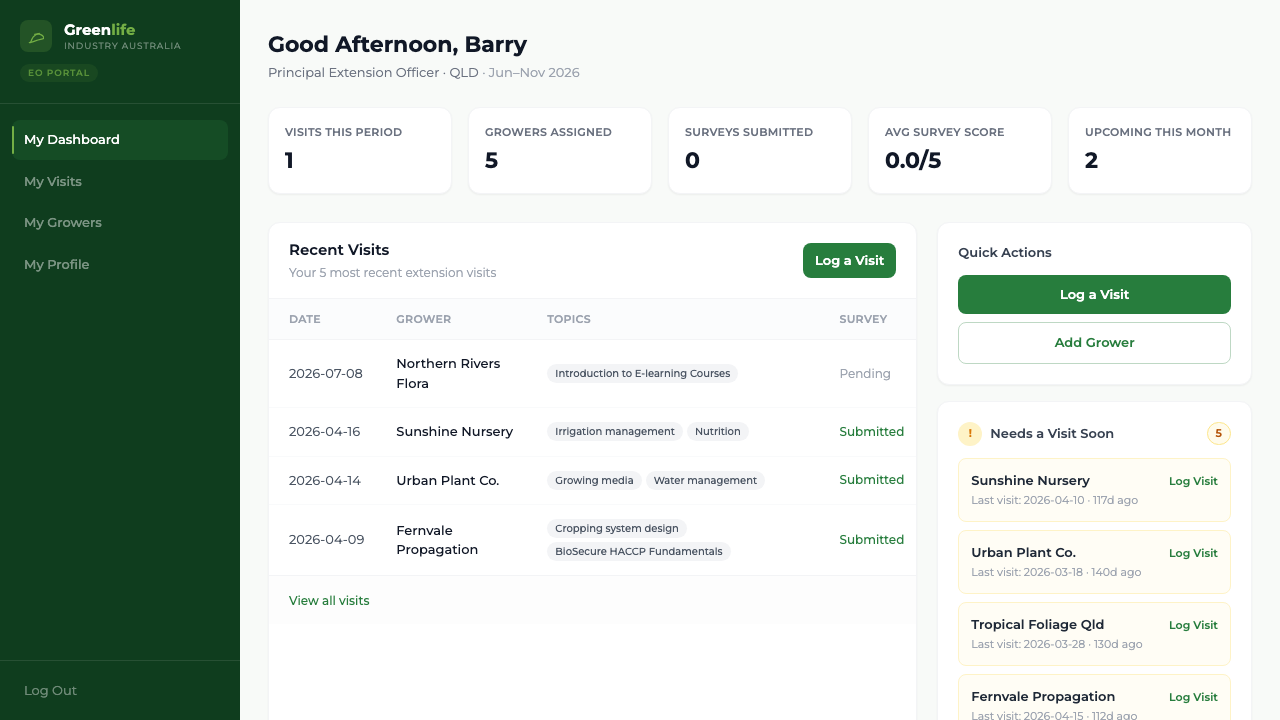
There are four screens, and that is the whole portal:
- My Dashboard
- Your figures for the period, your five most recent visits, quick actions, and which growers need a visit soon.
- My Visits
- Everything you have logged and everything you have planned, as a list or a calendar.
- My Growers
- The businesses assigned to you, and each one's full history.
- My Profile
- Your own details, your statistics for the period, and where you change your password.
On a laptop these sit in the dark sidebar down the left, with Log Out at the bottom. On a phone the sidebar is replaced by a bar across the top: select the menu icon at its left to slide the same four links in, and select the dimmed area to close it again.
What you'll see
The screen you are on is highlighted in the menu, so you always know where you are.
Good to know
The phone menu does not include Log Out. To sign out on a phone, add /logout to the end of the site address.