In the field
Limits to be aware of
What the officer portal deliberately does not do, so you plan around it.
Where to find it
Applies everywhere
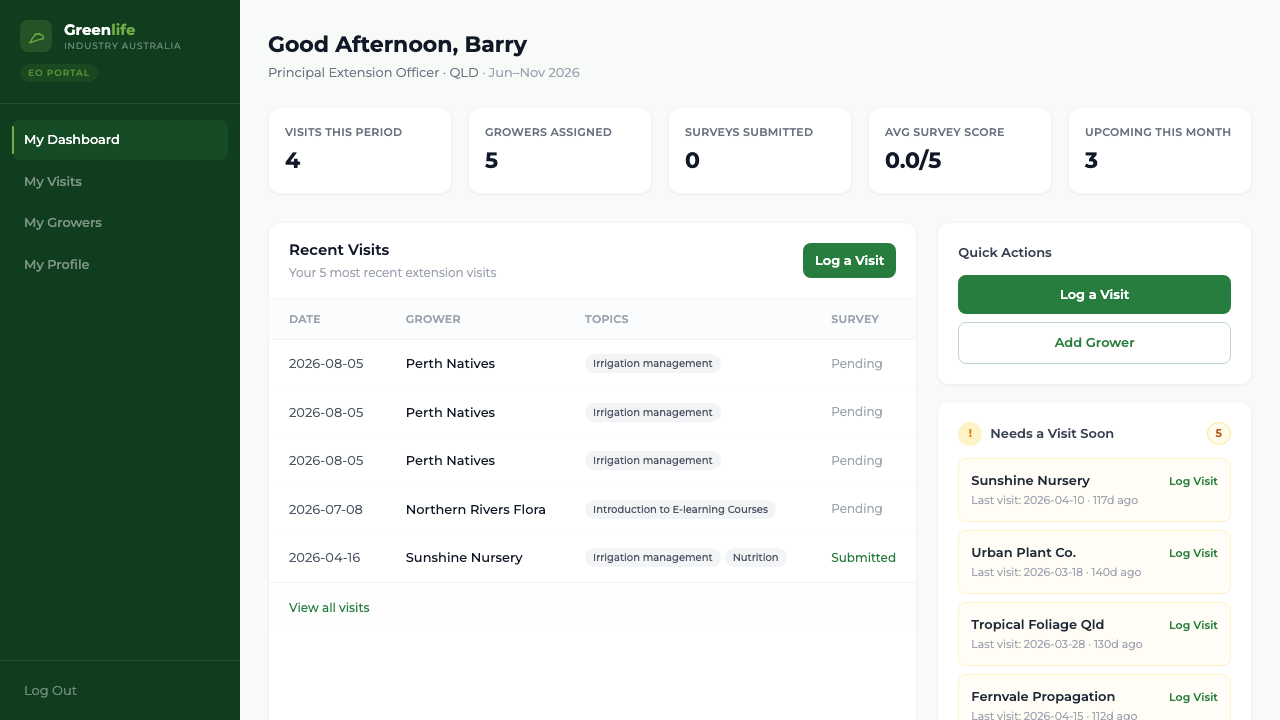
These are current, known limits of the shipped portal. None of them is a fault to report.
- The date is always today
- A completed visit is dated the day you log it. There is no way to record yesterday's visit with yesterday's date.
- Web portal needs a connection
- On the officer website, a lost connection loses whatever is on the form — nothing is saved as a draft. The GIA Field app can keep work in a Pending Upload outbox and sync later.
- No photos
- There is nowhere to attach an image to a visit.
- One survey per visit, final once submitted
- A submitted survey cannot be reopened or edited.
- No editing a logged visit from the menu
- Completed visits cannot be opened or corrected from any screen in the menu. Ask your administrator if something needs changing.
- Rescheduling lives on an unlinked screen
- Changing a planned visit's date needs the Upcoming Visits screen, reached by adding /visits/upcoming to the site address.
- No free-text activity
- Activities come from the list your administrator maintains. Ask them to add one — it appears in your flow immediately.
- Only your own work
- You cannot see another officer's visits or growers, and there are no program-wide reports or exports in this portal.
- You cannot edit a grower
- You can add a grower, but editing, reassigning or deactivating one is done by an administrator.
- No password reset by email, and no forced change
- Your administrator sets a new password if you are locked out. Change your first password yourself, from My Profile.
What you'll see
Everything above is expected behaviour. If something else does not work the way this guide describes, that is worth reporting to the team.