Reporting periods and targets
How reporting periods work
Two fixed six-month windows, one active at a time, and why every figure depends on which one is active.
Where to find it
Sidebar Settings Reporting Period
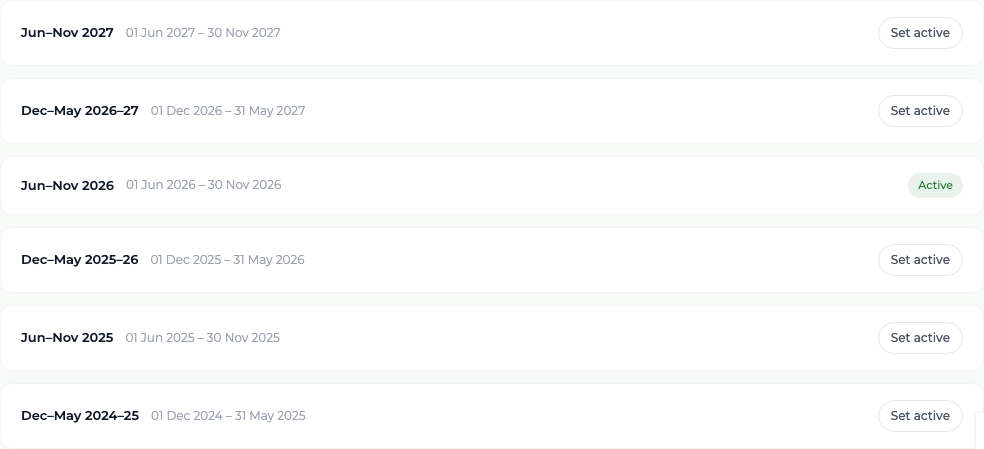
The program reports in six-month windows: 1 June to 30 November, and 1 December to 31 May. Exactly one window is active at any time, and the platform shows which one in the top bar of every screen.
Nearly every figure you read is scoped to the active period. The dashboard tiles, the survey gauges, the Extension Activity Log, the officer statistics and the milestone figures all answer the question "what happened inside this window?" — not "what has happened in total".
The exception is the project-to-date column on the Milestone Figures screen, which carries the running total across the life of the project.
What you'll see
A visit dated 30 November counts in the June-to-November window; one dated 1 December counts in the next. No visit ever counts in two periods, and switching the active period never changes a stored record — only what is shown.
Good to know
The windows themselves are fixed and cannot be added to, renamed or re-dated. The only thing you control is which existing window is active.