Extension officers
Restricting or restoring an officer's access
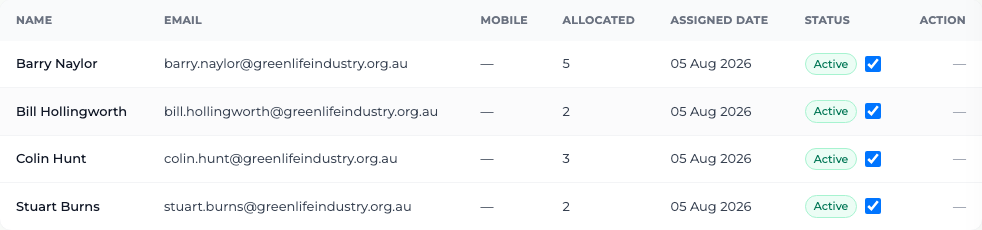
Stop a departing officer signing in, without losing any of the work they recorded.
Where to find it
Sidebar Extension Officers Status column
Before you start
Move their growers to another officer first, so the region is not left unassigned.
Steps
- 1 Select Extension Officers in the sidebar.
- 2 Find the officer's row and look at the Status column, which reads Active or Restricted.
- 3 Select the toggle in that column to switch it.
- 4 To restore access later, select the same toggle again.
What you'll see
A restricted officer can no longer sign in — they see "This account is not active. Contact an administrator." Everything they recorded stays exactly as it was: their past visits keep their name on them, and the program's totals do not move by a single unit.
Good to know
Restricting access is the right way to handle a resignation. There is deliberately no way to delete an officer, because deleting one would take their name off visits that have already been reported.