Assignments
Reassigning growers in bulk
Move a whole set of businesses to one officer in a single pass — the way to handle a resignation.
Where to find it
Sidebar Dashboard Assign Sites Manage Assignments
Before you start
Know which officer is receiving the businesses.
Steps
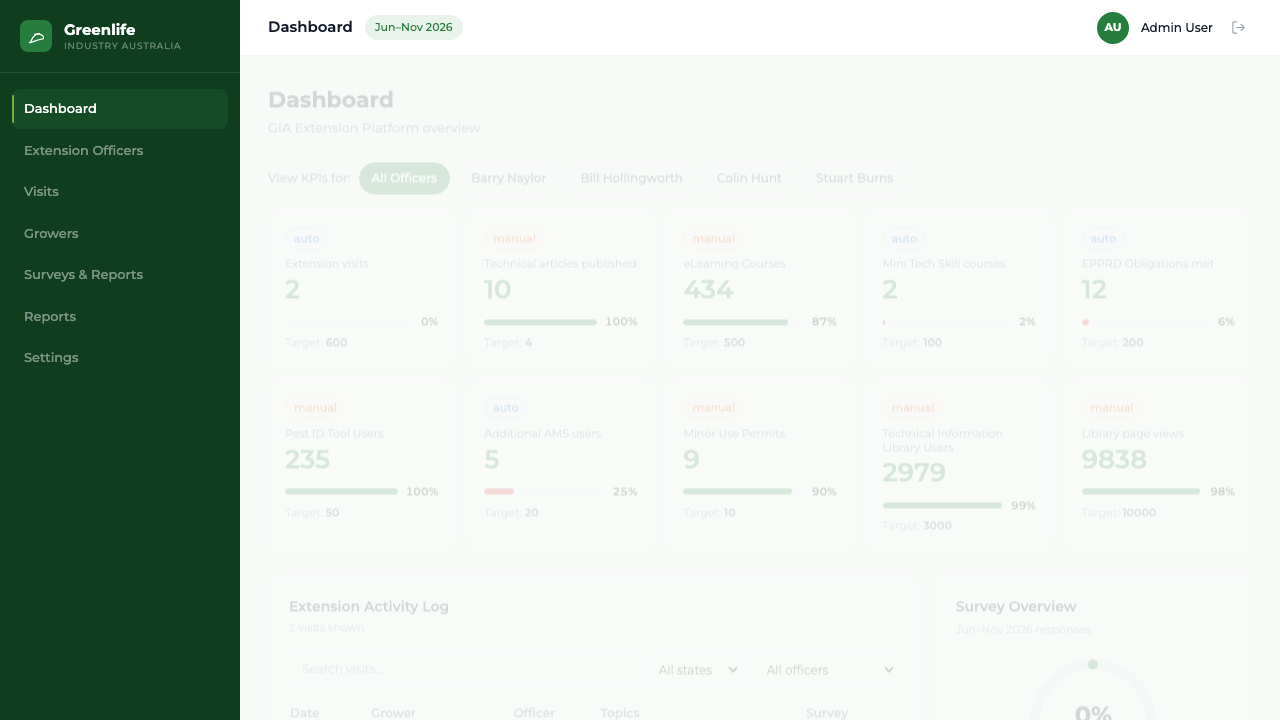
- 1 Open the Dashboard.
- 2 Find the Assign Sites card and select Manage Assignments.
- 3 Select every grower you want to move.
- 4 Choose the receiving officer.
- 5 Confirm.
What you'll see
Every selected business now belongs to the receiving officer, done in one pass rather than one at a time — which is what makes handing over a departing officer's region a single sitting rather than an afternoon.
Good to know
This is on the Dashboard, not on the Extension Officers or Growers screen. Reassignment never changes visit history: past visits keep the name of the officer who made them.